
What AI prompts are marketers in ::your industry here:: using to analyze phone calls?
There’s a progression to analyzing call data. You start with recording calls to listen to as a team or in 1:1 coaching. Then you turn on transcriptions so you can read through your calls without pausing Spotify. Then you start thinking how nice it would be to let AI handle all that listening and reading — and finally get time back to tackle that project you keep insisting is “next.”
But this is where many teams stall.
With AI, the question shifts from ‘can we analyze our calls?’ to ‘what do we actually want to learn?’ The possibilities aren’t just broad — they’re genuinely expansive.
Decision paralysis sets in. To solve the paralysis, some call tracking vendors limit your choices. Instead of infinite possibilities for insights, they give you a few standard insights out of the box. It’s nice. It’s cozy. But the itch to go deeper comes back.
Instead of limiting our customers, we continue to offer up fully customizable AI analysis. Our AskAI prompts are fully open to make your own, fit your strategy, and your industry. But because decision paralysis can be real, we have two solutions:
- AskAI Presets – prompt templates built and tested to serve as starting points you can find in your CTM account
- Real CTM customer examples to use as inspiration from 6 different verticals, which you can find below
Scroll to your vertical first, but make sure to check out the others too. We selected a variety of use cases for your team to build from.
Health & Wellness Use Cases
Behavioral Health
CTM customer: A portfolio of recovery centers with over a dozen U.S. locations focused on addiction treatment, mental health, and other recovery services.
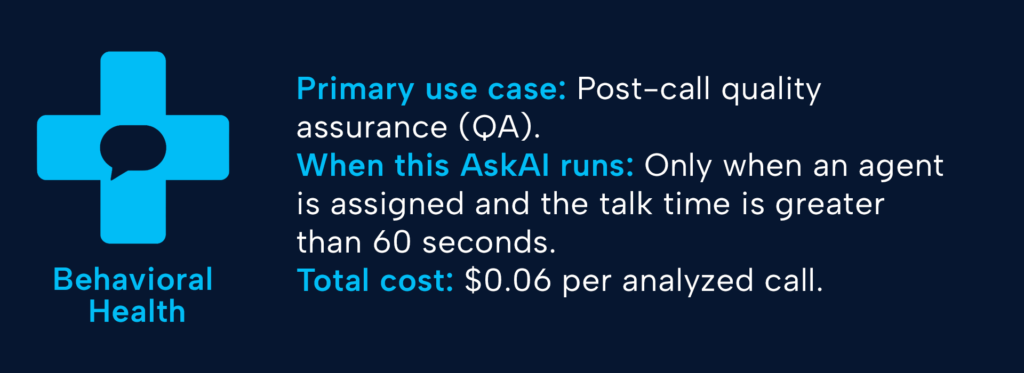
The details: The transcript is analyzed against five categories, each given a score of 1-5. The scores are recorded in custom fields for reporting, and then those five custom fields are used as personalization tokens in a sixth AskAI prompt to build a final QA score.
Each of the prompts for the five base scores includes definitions of each score, 1-5, to inform the AI’s analysis:
- Is the greeting warm and professional?
- Was the agent actively listening throughout the call?
- Was any necessary information delivered clearly?
- How did the agent handle the caller’s concerns, with heavier weight given to empathy over perfect answers?
- Did the agent set clear expectations of what would happen next?
Why a QA score? While all industries can benefit from the coaching opportunities of scoring team performance, there’s a heightened level of weight to handling calls professionally and empathetically for behavioral health centers. Someone could be in crisis, might need help now, and could be in a dangerous situation. The conversation needs to be very human, but an objective score helps center coaching opportunities around patient care and not human bias. Coaching to higher scores means more patients getting helpful, understanding care.
Home Care
CTM customer: A senior in-home care provider from a nationwide network offering various health and wellness solutions.
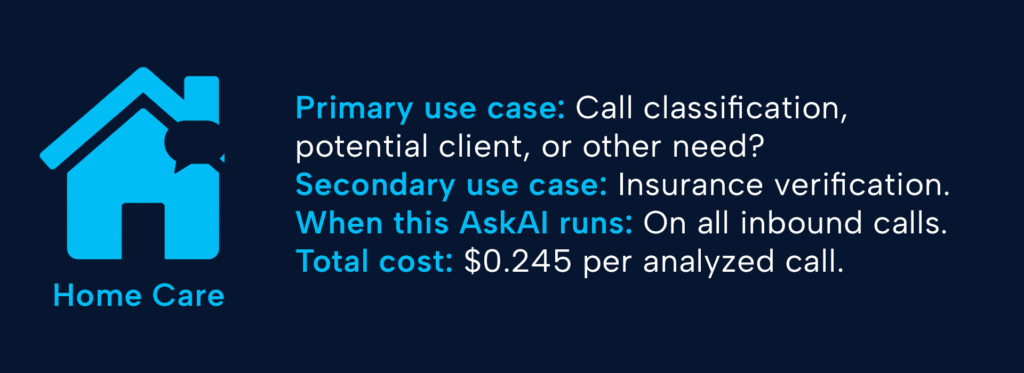
The details: This home care provider takes a multi-pronged approach to its AI analysis. First, they review the initial call to classify it by type and pull out necessary details like the name of the person needing care, which often differs from the caller. In this initial review, they pull:
- The type of caller: whether they’re potential clients, seeking employment, or some other non-core classification.
- The name of the person needing care: when the caller isn’t the one who needs care, an additional field is collected and displayed in the call log.
- A categorization of the agent’s performance: did they provide value while remaining empathetic and caring?
When the AI identifies a potential new client, an additional AskAI trigger is fired to provide additional information needed for consistent and personalized follow-up.
- The service needed: do they need live-in care, hospice care, dementia services, etc.?
- Insurance details: is the person covered by Medicare, Medicaid, Veterans’ benefits, or other insurance situations?
Why call classification? Senior care providers’ websites and advertising serve a dual purpose: connecting with potential clients and hiring qualified healthcare professionals to provide care. Both paths are avenues to stability and growth and require different follow-up. Categorizing these calls accurately establishes a way forward and gives the additional AI prompts a more focused direction for analysis, including what kind of service the caller needs and what kind of insurance verification will be necessary to start the relationship.
Home Services Use Cases
Garage Door Sales & Service
CTM customer: A distributor for a nationwide garage door supplier with over 400 locations offering installation and repair services for residential and commercial locations.
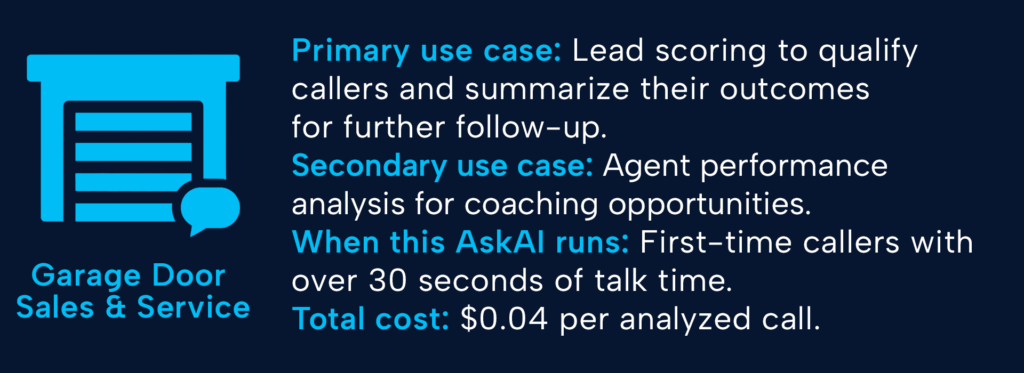
The details: Using one AskAI trigger with 4 distinct parts, this customer accomplishes a few things with one setup.
- A custom call summary: 2-3 sentences for at-a-glance detail.
- An agent performance score: analyzes the agent’s interaction with the lead from “poor” to “excellent” based on multiple criteria, including tone, ability to close the deal, and problem-solving.
- A lead score: scored 1-3 based on the outcome of the call, did they set an appointment, get a quote, or end the call without a firm next step.
- Tag the product being discussed: the AI chooses from a list of products and services.
After the AI analysis, a second automation runs for only leads with an identified product. This workflow assigns a conversion value to the call based on the product selected, which gets updated in the call log.
Why lead scoring? Lead scoring for this customer is used to decide what to do next. Leads who set an appointment can be sent reminders. Those who got estimates or quotes will need an additional personalized sales touchpoint. Shoppers and those browsing might need follow-up, and can be prioritized based on the products they’re looking for. When their additional trigger assigns a product value, that sets them up to send conversions to Google Ads using actual values to inform smart bidding to find more leads at a maximum return.
Pest Control
CTM customer: This pest control provider has multiple locations with a statewide service area offering a wide range of pest and wildlife services.
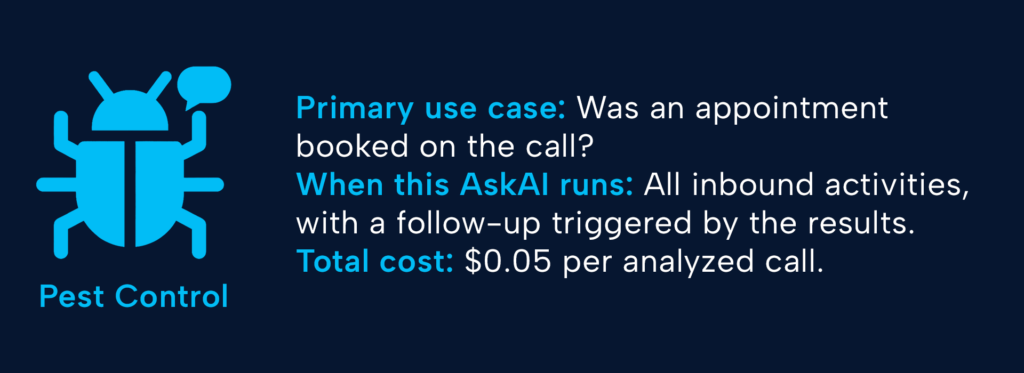
The details: The core prompt is relatively straightforward, and an appointment was booked during the call, including a confirmed date and time. A customized summary is also requested to put into words what the caller was looking for, again, if an appointment was booked, and what next steps are required to complete the transaction.
Included is a quick reporting tag: existing or new client.
After, for appointments not booked, an AskAI prompt is set up to include a reason. If not booked, choose from a list of reasons:
- Price
- Out of service area
- Service not offered
- Not a sales call
- Follow-up to existing appointment
- Other
Why appointment verification? Appointments are transactional for home services companies. An appointment booked is promised revenue. This is the equivalent of marking a call as a sale, which can be used to send quality leads back to Google Ads for optimization as an offline conversion. The AI summary and the not-booked reason are how the company can identify which leads to continue nurturing. Out of service area? No need to waste time. Price? A well-timed promo or bundled package could win them back.
Even More Industry Use Cases
Legal Services
CTM customer: A personal injury law firm with multiple locations and attorneys serving a variety of practice areas.
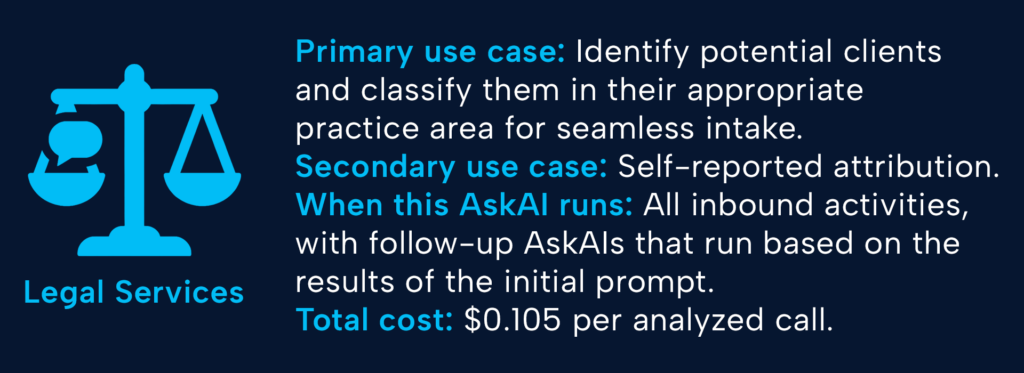
The details: Three separate AskAI triggers work in tandem to provide the intake team with everything it needs to effectively route clients to the appropriate attorney.
First, the AI analyzes all inbound calls to tag each as a potential new client or not a new client. New client calls are then analyzed again to provide two valuable insights:
- The practice area the potential client is calling about, e.g., auto accident, dog bites, or divorce
- Any self-reported attribution in response to the question “how did you hear about us?”
Why intake questions? Legal services may not have coined the term “time is money,” but they do embody it. Attorneys’ time is expensive, so you can’t waste any time on mismatched clients or callers without a relevant case area. Practice area labels for only potential new clients help intake teams match the right attorney to the right clients. Just like an attorney’s time is expensive, advertising for lawyers comes with high costs as well. The self-reported attribution helps verify CTM’s tracking sources, and can provide additional data about assisted conversions. Maybe they saw a billboard before clicking on a Google search ad or heard about the firm on the radio before finding the site in a ChatGPT conversation.
Call Tracking Vendor 😉
CTM: A leading call tracking provider serving thousands of customers across the world with conversation intelligence and contact center offerings.
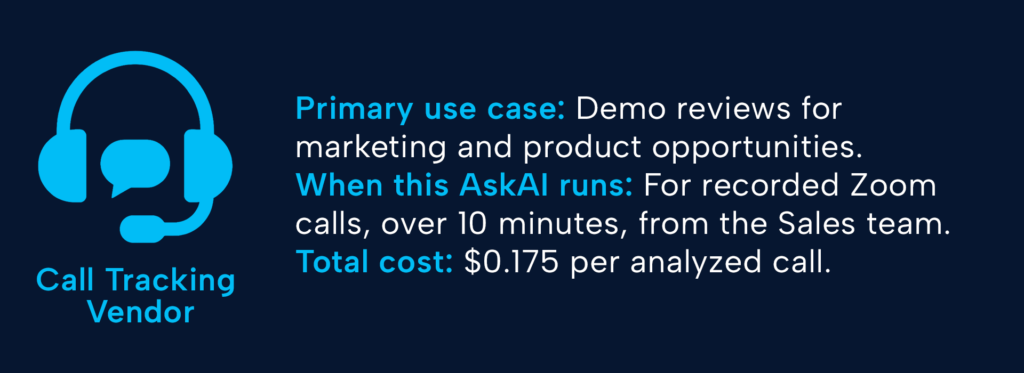
The details: Running one AskAI trigger to populate six custom fields to analyze sales demos, to analyze pipeline health, find coaching opportunities, and identify product gaps. This call tracking vendor provides a prompt, an ideal customer profile, definitions of services offered, and asks it to look for:
- Lead fit, on a scale of 1-100, to identify how likely the prospect is to sign up for an account after taking a demo.
- Primary use case in under 40 words and a standardized use case chosen from attribution, conversation intelligence, call management, and contact center.
- Which competitors were mentioned during the call?
- A wow moment. Which feature was the prospect most excited about?
- Any questions unanswered during the demo, looking for new use cases, coaching, or marketing opportunities.
A tag for lead fit is applied to each demo based on the scale, from “poor fit” to “great fit,” and all of the outputs are synced to a Looker Studio dashboard for regular monitoring and cross-team sharing.
Why demo reviews? Seeing how potential customers are talking about your product is invaluable and provides action items for multiple teams. Instead of Sales and Marketing arguing over lead quality, there’s an unbiased lead fit score to point to. What are the common traits of a “poor fit” lead, and which campaigns are driving them? How do we find more “great fit” leads and pass off identified new use cases to the Product team for potential roadmap inclusion?
This is just a starting point. Hopefully, there’s something here that’s made you say, “Why aren’t we doing that?” There’s a lot of value hidden in your conversations, and AskAI is one way to identify the value and do so for pennies.
Whether you’re looking for the best way to send qualified conversions to Google Ads, coach your intake teams, or personalize sales follow-up, there’s a prompt out there waiting for you to jump into a CTM account and enable it.